The challenge
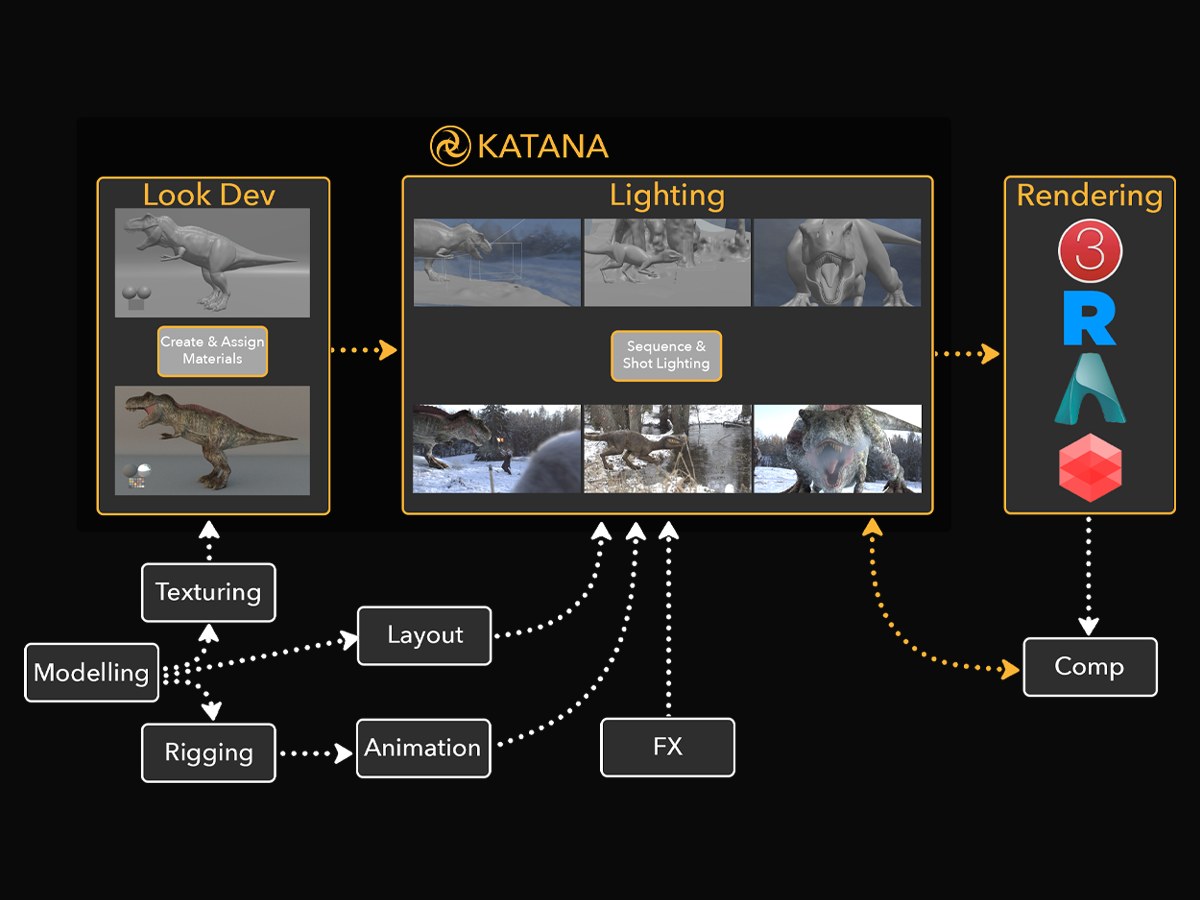
Katana can be a difficult tool for studios to adopt. Artists face a steep learning curve, and as an additional tool in the pipeline, it means data needs transferring from their DCC into Katana.
What I did
I designed a structured evaluation process for studio artists, made up of three stages:
- Intro demo deck: This breaks down Katana’s key features and benefits, ROI and case studies, and the common problems it solves, followed by workflow overviews divided by role. It’s a chance to understand the studio’s pipeline, their pain points and what they’re hoping Katana will solve, and to demonstrate its value.
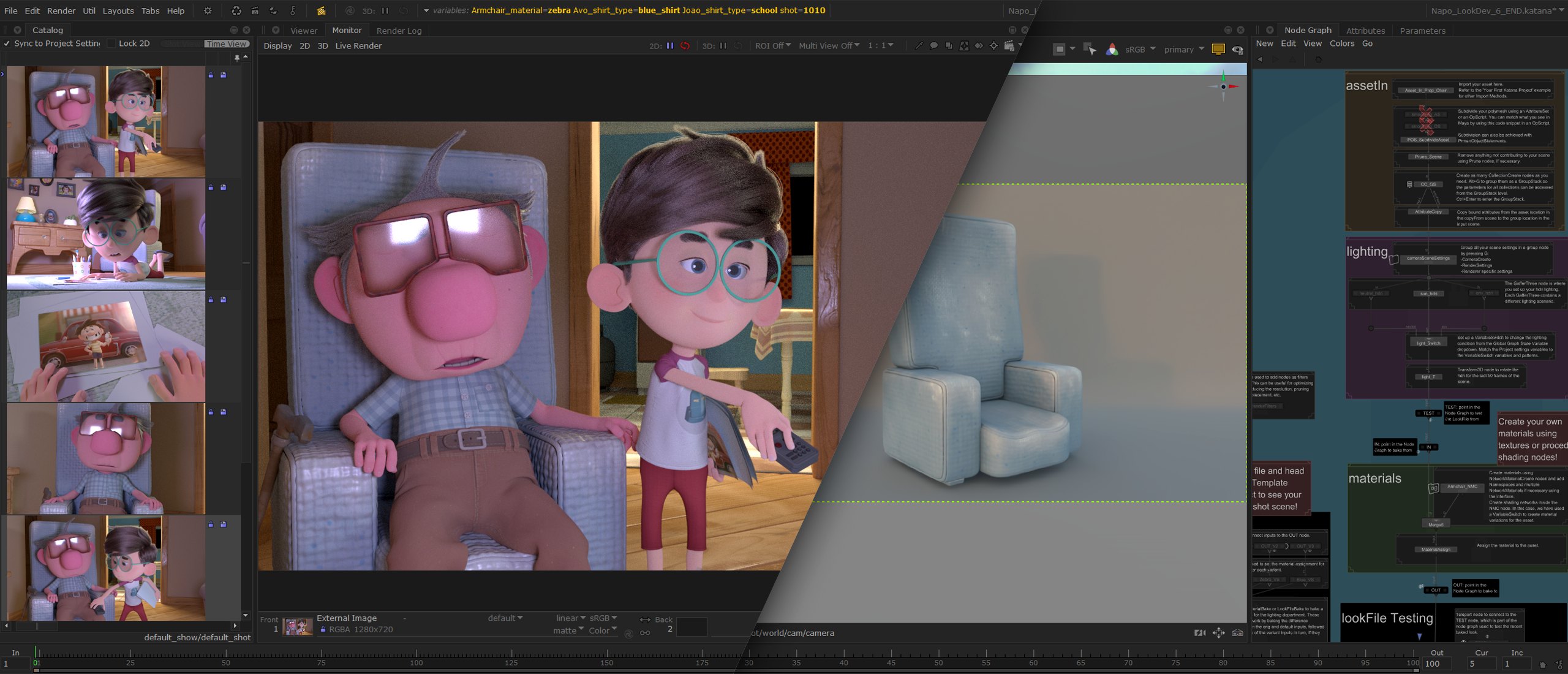
I created four versions of the deck, tailored to the size of the studio and whether it works in VFX or animation. - Structured evaluation: Four weekly training sessions with accompanying project files, so artists can follow along and get to grips with the UI and common workflows. Sessions cover the basics, look development, lighting, and rendering and Nuke integration, so each team can join the sessions most relevant to them.
I set the assets up with RenderMan, Arnold, Redshift, and 3Delight so studios can test against the renderer they are using. - Ongoing Q&A sessions: After the structured training, I run weekly Q&A sessions while studios test the workflows against their own projects and assets, using the training projects as templates. These sessions are a chance to demonstrate features that directly solve pain points from their previous projects, so they can compare the two directly.
Outcome
Studio onboarding became more streamlined, with a shorter time to implement and artists picking up the workflows more easily.